
Microsoft Visual Studio: What It Is, What It’s Used For, and Why Developers Rely on It
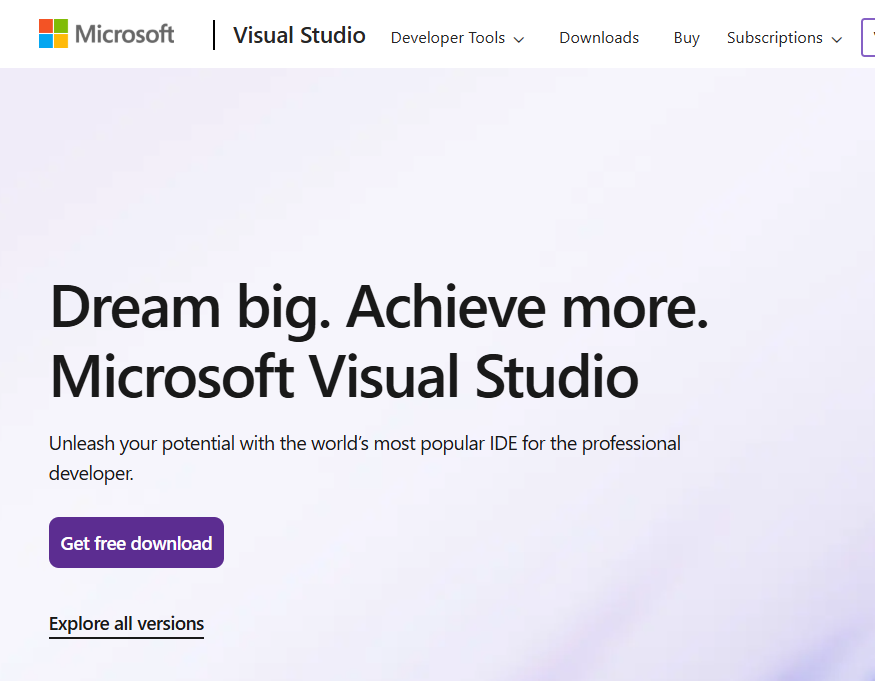
Microsoft Visual Studio is one of the most powerful and widely used integrated development environments (IDEs) in the world. It is designed to help developers write code, build applications, debug errors, and deploy software—all from one place.
Whether you are a beginner learning programming or an experienced software developer, Microsoft Visual Studio provides the tools needed to build everything from simple desktop apps to large-scale enterprise systems.
This guide explains what Microsoft Visual Studio is, what it can be used for, and real-world examples in a clear and simple way.

What Is Microsoft Visual Studio?
Microsoft Visual Studio is a software development platform created by Microsoft. It allows developers to write, test, debug, and manage code using a single application.
Instead of switching between multiple tools, Visual Studio combines everything into one environment, including:
A code editor
A debugger
A compiler
A project manager
Built-in tools for testing and deployment
This all-in-one approach helps developers work faster and with fewer errors.
->Click this link to Download Microsoft Visual Studio
What Can Microsoft Visual Studio Be Used For?
Microsoft Visual Studio supports many programming languages and application types, making it extremely versatile.
1. Building Desktop Applications
Developers commonly use Microsoft Visual Studio to build Windows desktop applications using languages like:
C#
.NET
WPF
Windows Forms
Example: A company might build an inventory management system for internal use, allowing staff to track products, suppliers, and sales from a desktop app.
2. Creating Web Applications and APIs
Microsoft Visual Studio is widely used for web development, especially with Microsoft technologies.
Common uses include:
ASP.NET Core web applications
REST APIs
Full-stack applications
Example: A business can build a customer portal where users log in, view orders, update profiles, and submit support requests—all developed and managed inside Visual Studio.
3. Working With Databases
Database integration is a major strength of Microsoft Visual Studio.
Developers can:
Connect to SQL Server
Write queries and stored procedures
Design data models
Test database operations directly from code
Example: A developer building a sales tracking system can use Visual Studio to connect the application directly to a SQL database and manage customer and order data efficiently.
4. Debugging and Fixing Code Errors
One of the most powerful features of Microsoft Visual Studio is its debugging tools.
These tools allow developers to:
Pause code while it runs
Inspect variables
Step through logic line by line
Identify errors quickly
Example: If a program crashes when a user submits a form, Visual Studio’s debugger helps pinpoint exactly where the issue occurs and why.
5. Building Cloud-Based Applications
Microsoft Visual Studio works seamlessly with cloud platforms, especially Microsoft Azure.
Developers can:
Build cloud applications
Deploy directly to Azure
Manage environments and configurations
Example: A startup may create a cloud-hosted web application that scales automatically as traffic increases, all managed through Visual Studio and Azure integration.
6. Game Development
While not exclusively a game engine, Microsoft Visual Studio is commonly used alongside game frameworks.
Developers use it to:
Write game logic
Debug performance issues
Manage large game projects
Example: A game developer might use Visual Studio to write C# scripts for gameplay mechanics in a game engine.
Why Microsoft Visual Studio Is So Popular
There are several reasons Microsoft Visual Studio remains a top choice for developers.
Easy to Learn for Beginners
The interface is well-organized, and helpful features like code suggestions and error highlighting make learning easier.
Powerful for Professionals
Advanced tools support large projects, team collaboration, and enterprise-level development.
Supports Many Languages
Visual Studio works with:
C#
C++
Visual Basic
JavaScript
Python
HTML and CSS
Strong Integration With Microsoft Technologies
If you work with Windows, .NET, SQL Server, or Azure, Visual Studio fits naturally into your workflow.
Microsoft Visual Studio vs Other Code Editors
Unlike lightweight editors, Microsoft Visual Studio is a full IDE, meaning it offers much more than just writing code.
This makes Microsoft Visual Studio ideal for serious application development rather than simple scripts.
Who Should Use Microsoft Visual Studio?
Microsoft Visual Studio is ideal for:
Students learning programming
Software developers
Web developers
Database developers
Enterprise development teams
Whether you’re creating your first app or managing a complex system, Visual Studio scales to match your needs.
Final Thoughts
Microsoft Visual Studio is a complete development environment that helps developers build better software faster. Its powerful tools, wide language support, and strong integration with databases and cloud platforms make it a trusted choice across the industry.
From desktop apps to web platforms, APIs, and cloud solutions, Microsoft Visual Studio remains one of the most reliable tools for modern software development.
If your goal is to learn programming, build professional applications, or advance your development career, Microsoft Visual Studio is a platform worth mastering.
Thanks for reading this blog.
Click this link to read another blog related to coding -> Angular and how it is used
→Click this link to buy one of my books available on Amazon.
→Click this link to read my Medium blogs.
→Click this link to read my Substack blogs.